For Apple silicon Macs
Your old iMac,back on stage.
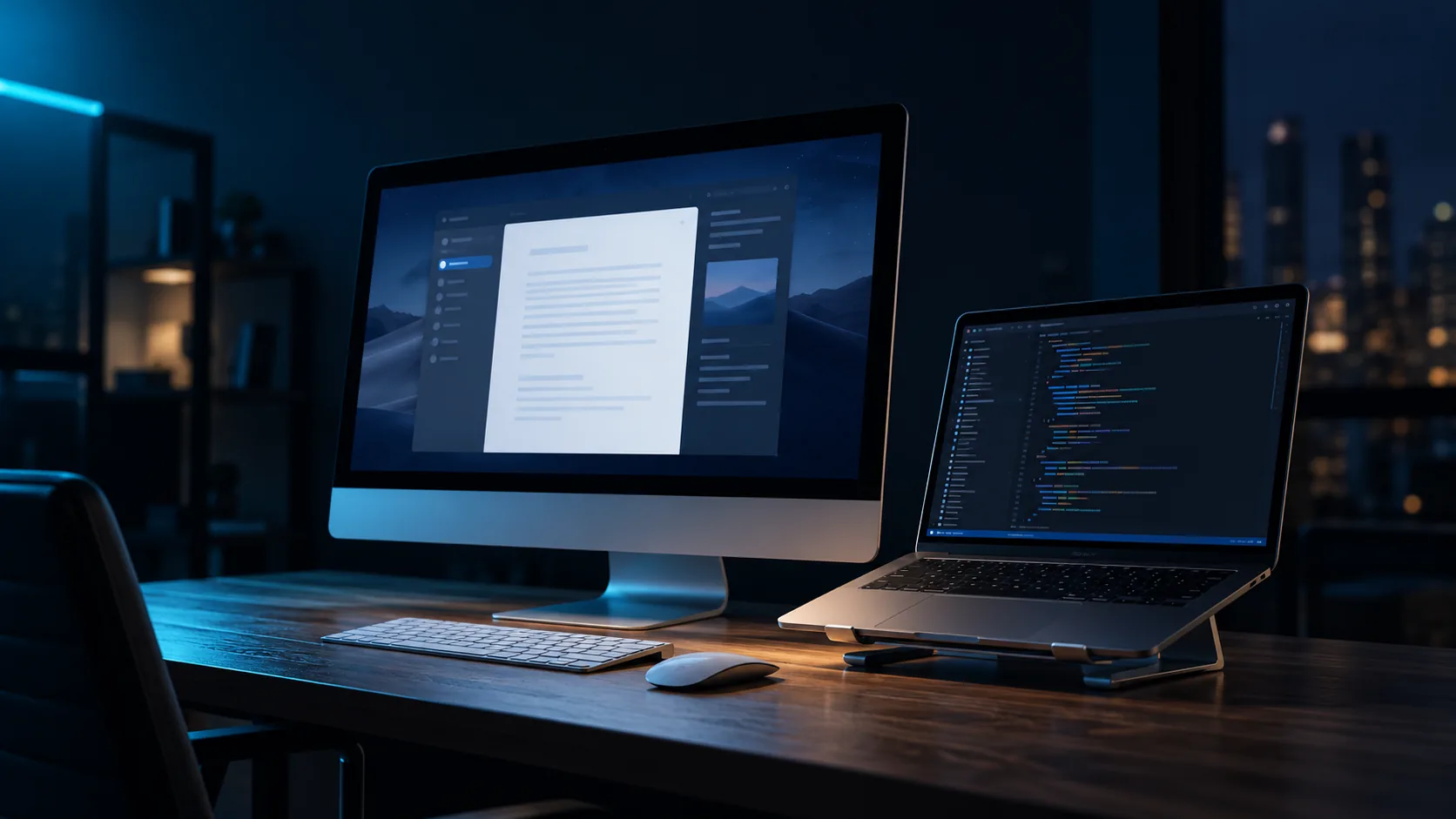
Reprise turns the iMac sitting idle on your desk into a second display for your Mac. Drag windows onto it like any other monitor, over Wi-Fi or a network cable.
Version 1.1. Free during launch. One app on each Mac. The apps are in Portuguese for now.
In 2013 it was the main computer in the house. The 21.5-inch screen is still good, the aluminum still in one piece. It just needed a reason to be turned on. Reprise gives it one: the iMac becomes your Mac's second display, and your desk gains a monitor that was already there.
- 21.5″of screen that was switched off
- 6digits to pair, just once
- 0internet needed: it all stays on your network
03How it works
Three steps, once.
After that, turn on the iMac and it shows up as a second display.
Install on your Mac
Open the DMG, drag Reprise to Applications and allow Screen Recording when macOS asks. The app walks you through each step.
Install on the iMac
Do the same with Reprise iMac. It opens full screen and looks for your Mac on the network.
Type the code
Your Mac shows six digits. Type them on the iMac and it appears in Settings › Displays as a monitor.
Try it: click the iMac screen and type the code.
04Connection
Wi-Fi for every day. A cable for a steady picture.
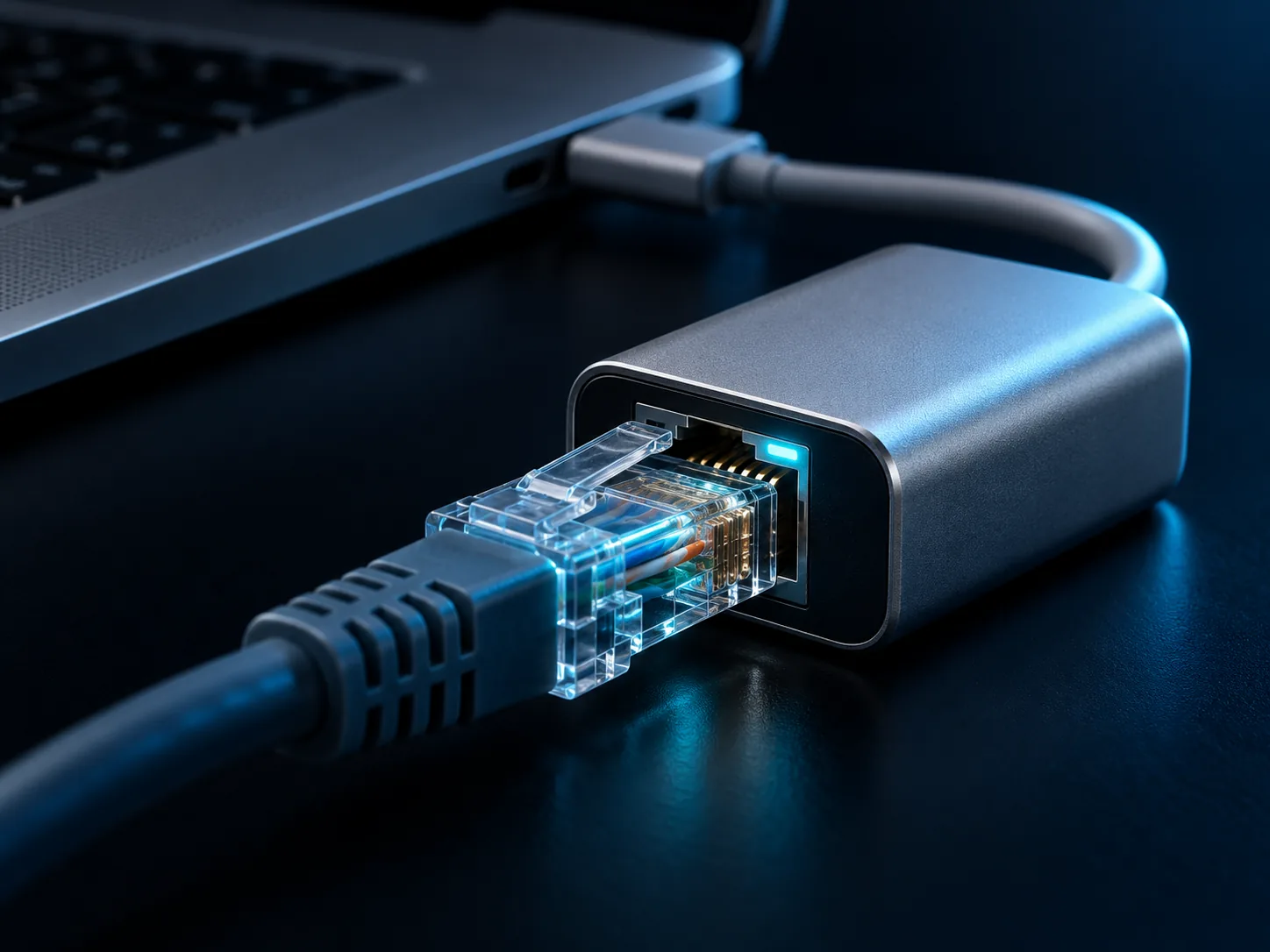
Both work. Over Wi-Fi, frames sometimes arrive in bursts, especially with video and fast scrolling. With a direct network cable between the two Macs, it stays steady, and Reprise switches to the cable on its own.
When the screen stops moving, Reprise refines the image until text is crisp.
A simulation running in your browser, to show the difference. Real numbers depend on your network.
05Features
Made for everyday use.
Sharp text
When the screen stops moving, Reprise refines the image until text is crisp, even over Wi-Fi.
No cursor lag
The iMac draws the cursor itself. Only its position travels over the network.
Cable when you can
Connect the two Macs with a network cable and Reprise switches to it and raises the quality.
Opens by itself
Both apps start with the system and reconnect on their own when the network comes back.
The right size
Choose how big text and icons look on the iMac, with the finish of a Retina display.
Only your Mac connects
The connection is encrypted and only opens with the code shown on your Mac.
06Requirements
What you need.
- 01Your Mac
- Apple silicon, M1 or latermacOS 13 Ventura or later.
- 02The iMac
- Intel Mac with macOS 10.15 Catalina or laterTested on a 21.5″ iMac from 2013.
- 03Network
- The same Wi-Fi, or a network cable from one to the otherOn your Mac, with a USB-C to Ethernet adapter.
- 04Internet
- Not neededEverything stays on your local network.
07Download
Free during launch.
Reprise is free to use. If it ever becomes paid, current users will hear about it here first.
For your Mac
Reprise
Apple silicon · macOS 13 or later
Download for Mac
For the iMac
Reprise iMac
Intel Mac · macOS 10.15 or later
Download for iMac
Version 1.1. The first time, macOS may ask you to confirm: see the questions below.
08FAQ
Questions.
macOS says it can't verify the app. What now?
Reprise isn't notarized by Apple yet. On your Mac, try to open it once, then go to System Settings › Privacy & Security and click Open Anyway. On an iMac running Catalina, right-click the app, choose Open and confirm.
Do the iMac's keyboard and mouse work?
No. The iMac becomes just a display. You use your Mac's keyboard and mouse, and the cursor moves from one screen to the other.
Why not use Target Display Mode?
It only works between older Macs with Thunderbolt and macOS up to High Sierra. With an Apple silicon Mac, it doesn't exist. Reprise does that job over the network.
Wi-Fi or cable?
Both work. Over Wi-Fi, frames sometimes arrive in bursts, especially with video and fast scrolling. With a direct network cable, it stays steady. Reprise uses the cable automatically when it's plugged in.
Does it work with iPad or Windows?
No. Reprise does one thing: turn an iMac into a second display for a Mac.
How do I update?
Both apps check for new versions on their own and let you know when one is out. You can also check from the Reprise menu.